
Seedance 2.0 AI Video Generator
Use Seedance 2.0 and its Fast and Mini versions to turn prompts and photos into videos, from quick low-cost drafts to polished clips.
- Resolution
- 480p–1080p
- Duration
- 5–15 seconds
- Aspect ratio
- 6
- Sound
- Native audio
A bottle of orange-scented skincare serum rotating slowly on a clean white marble surface, soft studio lighting, subtle reflections, premium product commercial, smooth camera push-in
Seedance 2.0 Mini
Close-up of an iced orange soda being poured into a glass, ice cubes cracking, fizzing bubbles, condensation on the glass, bright summer light, slow motion, commercial style
Seedance 2.0 Mini
A young woman holds up a small cosmetic jar toward the camera and smiles, bright minimalist bedroom, natural window light, handheld vertical phone video style
Seedance 2.0 Mini
Golden hour over a calm mountain lake, mist drifting across the water, birds crossing the sky, slow cinematic drone shot, warm tones
Seedance 2.0 Mini
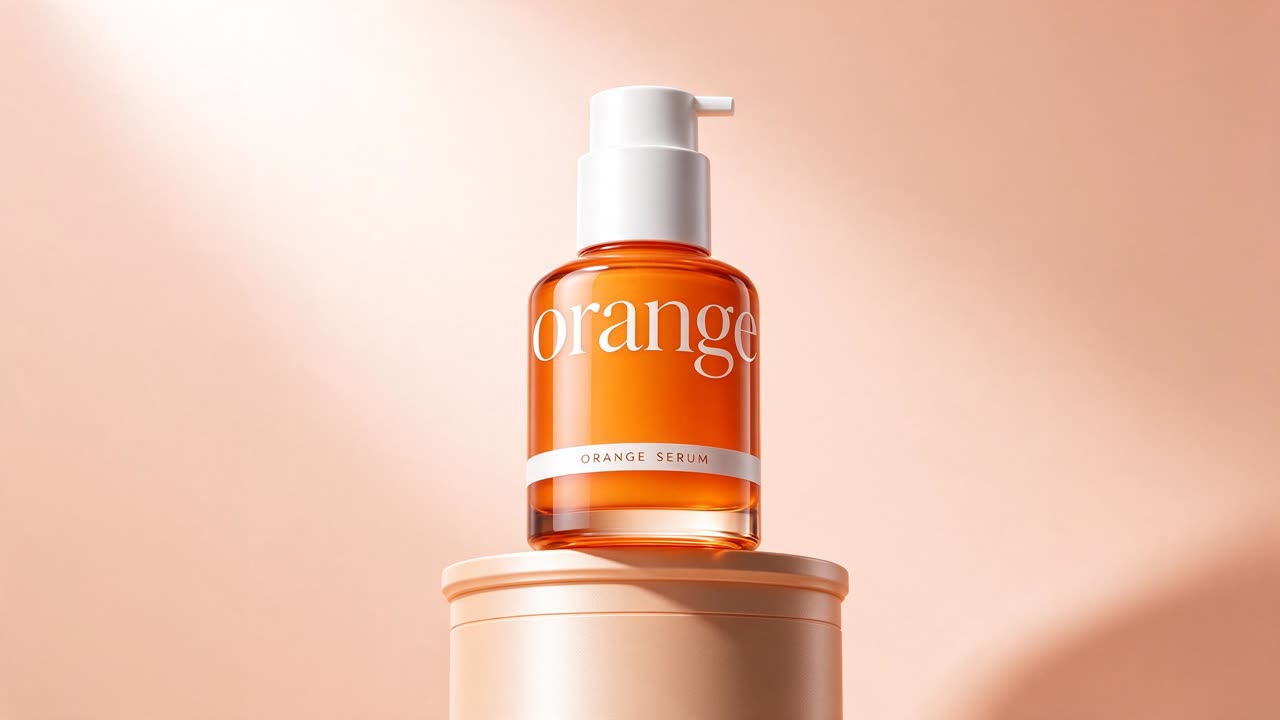
The camera slowly orbits the serum bottle, soft light glides across the glass, gentle highlights move over the pedestal, premium product commercial
Seedance 2.0 Mini
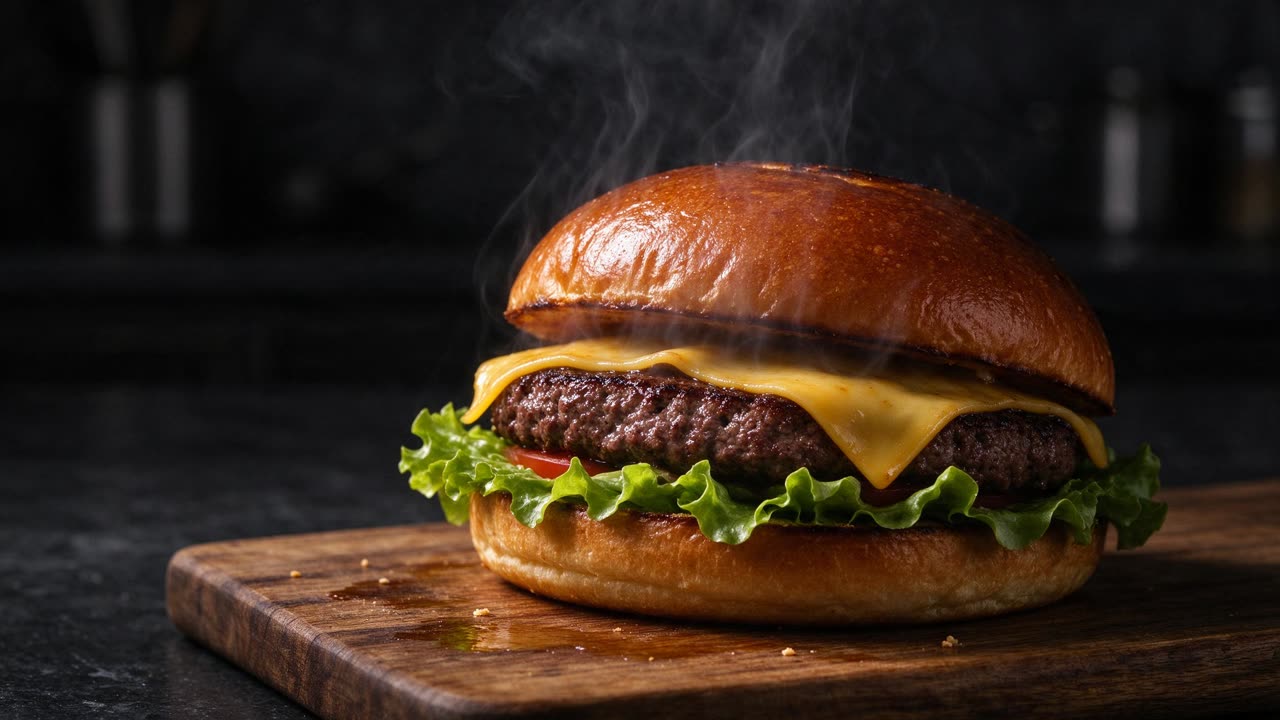
Steam rises from the burger, melted cheese slowly drips down the side, the camera pushes in gently, dark moody food commercial
Seedance 2.0 Mini
Seedance 2.0, 2.0 Fast and 2.0 Mini
Seedance 2.0 is ByteDance's video generation model that made multimodal references popular: you can guide a clip with images, videos and audio, not just text. It produces smooth motion, consistent characters and synchronized sound.
Dola AI Video offers three versions. Seedance 2.0 gives the best quality of the three and the highest resolution. Seedance 2.0 Fast returns results sooner at a lower cost. Seedance 2.0 Mini is the cheapest way to try an idea, ideal for testing prompts before a final render.
All three support text to video, first and last frames, and reference to video. The table below lists the resolutions and credits per second of each version.
Why choose Seedance 2.0
Quality for less
Seedance 2.0 delivers sharp, stable video for fewer credits than Seedance 2.5.
Faster iterations
Seedance 2.0 Fast returns results sooner, so you can test more ideas in one session.
The cheapest drafts
Seedance 2.0 Mini lets you explore prompts, framing and motion before you spend more.
Multimodal references
Combine reference images, video clips and audio to steer style, motion and rhythm.
Sound included
Generate matching audio together with the video, or keep the clip silent.
Specs and credits
Credits depend on the options you pick. The exact amount is shown on the button before you generate.
| Model | Input modes | Resolution | Duration | Sound |
|---|---|---|---|---|
| Seedance 2.0 | Text · Frames · Reference | 480p · 19 credits/s720p · 41 credits/s1080p · 102 credits/s | 5–15 seconds | Native audio, can be turned off |
| Seedance 2.0 Fast | Text · Frames · Reference | 480p · 11.7 credits/s720p · 24.8 credits/s | 5–15 seconds | Native audio, can be turned off |
| Seedance 2.0 Mini | Text · Frames · Reference | 480p · 3.8 credits/s720p · 8.2 credits/s | 5–15 seconds | Native audio, can be turned off |
Seedance 2.0
- Input modes
- Text · Frames · Reference
- Resolution
- 480p · 19 credits/s720p · 41 credits/s1080p · 102 credits/s
- Duration
- 5–15 seconds
- Sound
- Native audio, can be turned off
Seedance 2.0 Fast
- Input modes
- Text · Frames · Reference
- Resolution
- 480p · 11.7 credits/s720p · 24.8 credits/s
- Duration
- 5–15 seconds
- Sound
- Native audio, can be turned off
Seedance 2.0 Mini
- Input modes
- Text · Frames · Reference
- Resolution
- 480p · 3.8 credits/s720p · 8.2 credits/s
- Duration
- 5–15 seconds
- Sound
- Native audio, can be turned off
Seedance and Seedream are AI models developed by ByteDance. Dola AI Video is an independent platform that gives you access to them and is not affiliated with ByteDance.
How to use Seedance 2.0
- 1
Choose a version
Seedance 2.0 is selected above. Switch to 2.0 Fast or 2.0 Mini in the model grid if you want results sooner or cheaper.
- 2
Add a prompt or files
Write a prompt, or switch to Frames or Reference to start from your own images, videos or audio.
- 3
Generate and compare
Render a draft with Mini, then run the same prompt with Seedance 2.0 or 2.5 for the final version.
Best uses for Seedance 2.0
Social media at scale
Produce many vertical clips for TikTok, Reels and Shorts without a big budget.
Prompt testing
Explore ideas cheaply with Mini and keep the prompts that work.
Product loops
Simple, clean product motion for online stores and marketplace listings.
Moving storyboards
Turn script beats into short animated boards to share with a team or a client.
Frequently asked questions
Which Seedance 2.0 version should I use?
Use Seedance 2.0 for the best quality of the three, Seedance 2.0 Fast when you want results sooner, and Seedance 2.0 Mini for the lowest cost while you experiment.
Is Seedance 2.0 Mini good enough for final videos?
For many social clips, yes. If you need more detail or a higher resolution, run the same prompt again with Seedance 2.0 or Seedance 2.5.
What is the difference between Seedance 2.0 and Seedance 2.5?
Seedance 2.5 is the newer model and gives the best quality. Seedance 2.0 uses fewer credits and is a strong all-round choice for everyday videos.
Can Seedance 2.0 use reference videos and audio?
Yes. In Reference mode you can add images, video clips and audio. Reference videos are charged by their length, and the generator shows the exact credits before you start.
Do Seedance 2.0 videos have a watermark?
No. We do not add a watermark, and every video is saved in My Creations so you can download it again later.
Is this the official Seedance website?
No. Seedance is developed by ByteDance. Dola AI Video is an independent platform that lets you use Seedance 2.0 and other models in your browser.
Explore more
Pay only for what you create
Credits never expire. Choose a monthly plan or a one-time credit pack.