
Text to Image AI Generator
Type what you want to see and get a high-quality image, from product shots to concept art.
- Quality
- 1K–2K
- Aspect ratio
- 8
- Reference images
- Up to 14
- Input modes
- Text · Reference
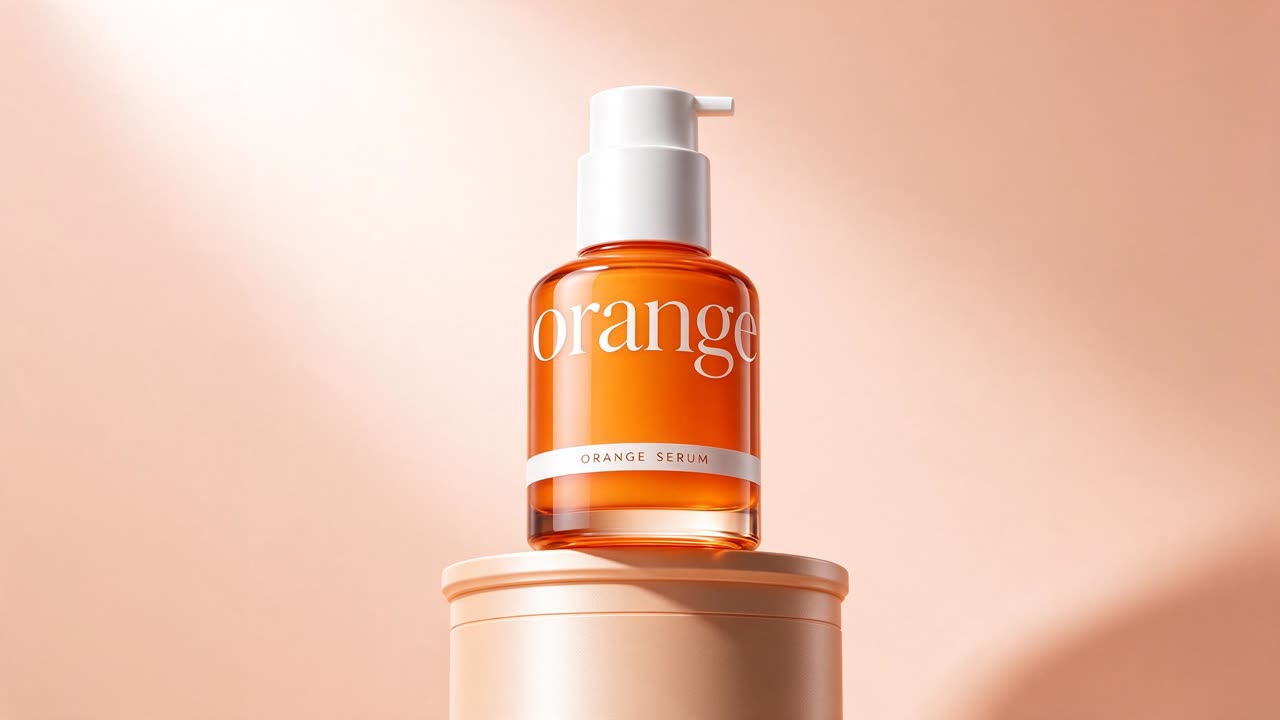
Premium product photo of a bottle of orange skincare serum on a pedestal, soft peach background, studio lighting, minimal luxury ad
Seedream 5.0 Flash
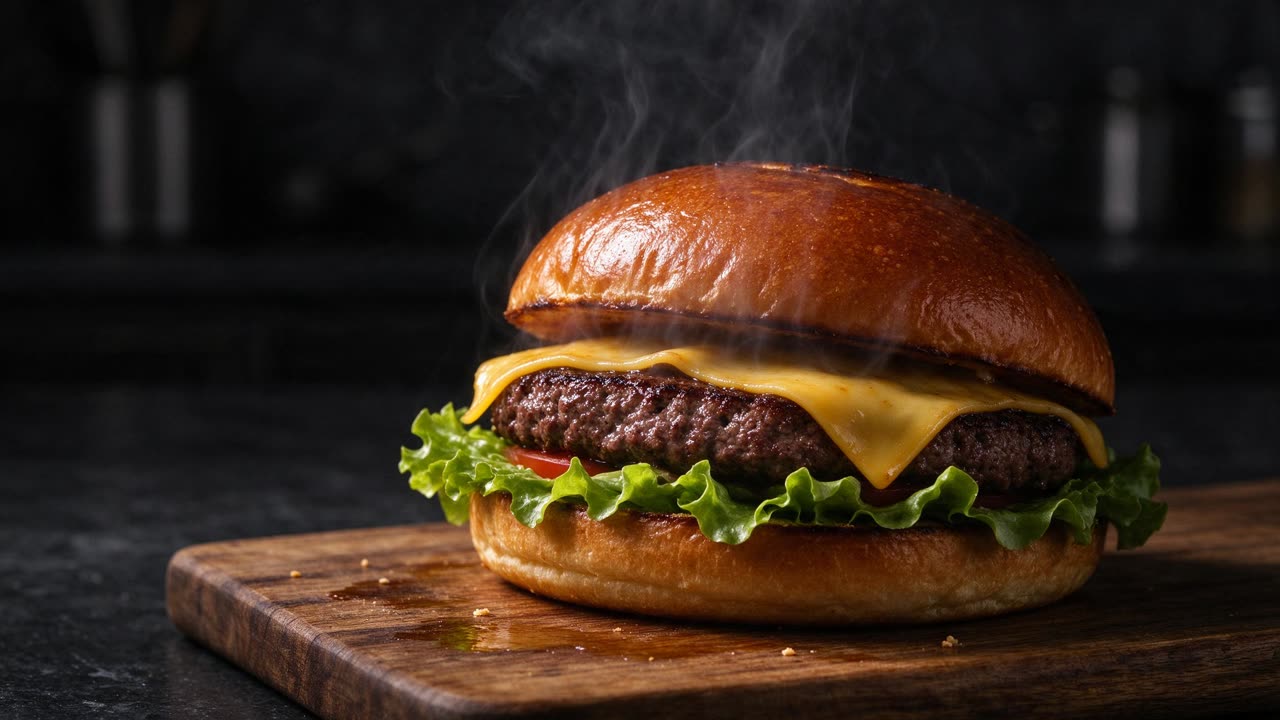
A fresh burger with melting cheese and crispy lettuce on a wooden board, steam rising, dark moody food photography
Seedream 5.0 Flash
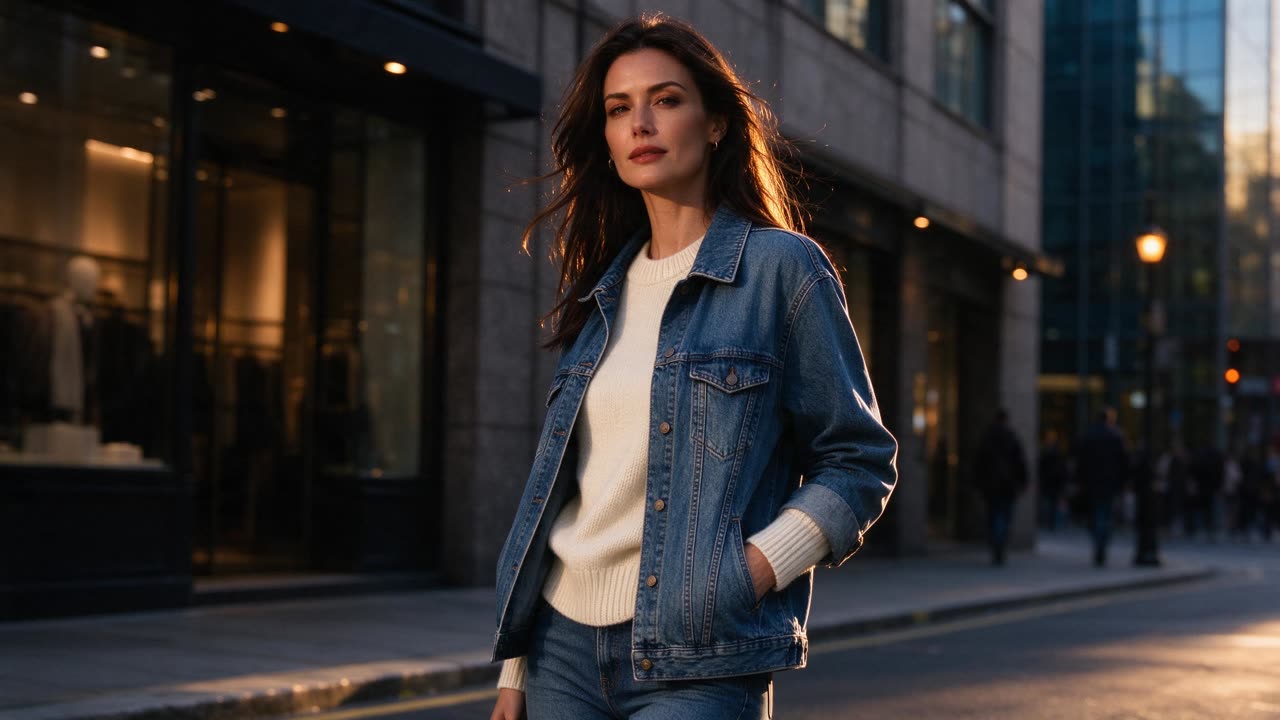
Fashion editorial photo of a model wearing a cream knit sweater and denim jacket, urban street at golden hour, shallow depth of field
Seedream 5.0 Flash
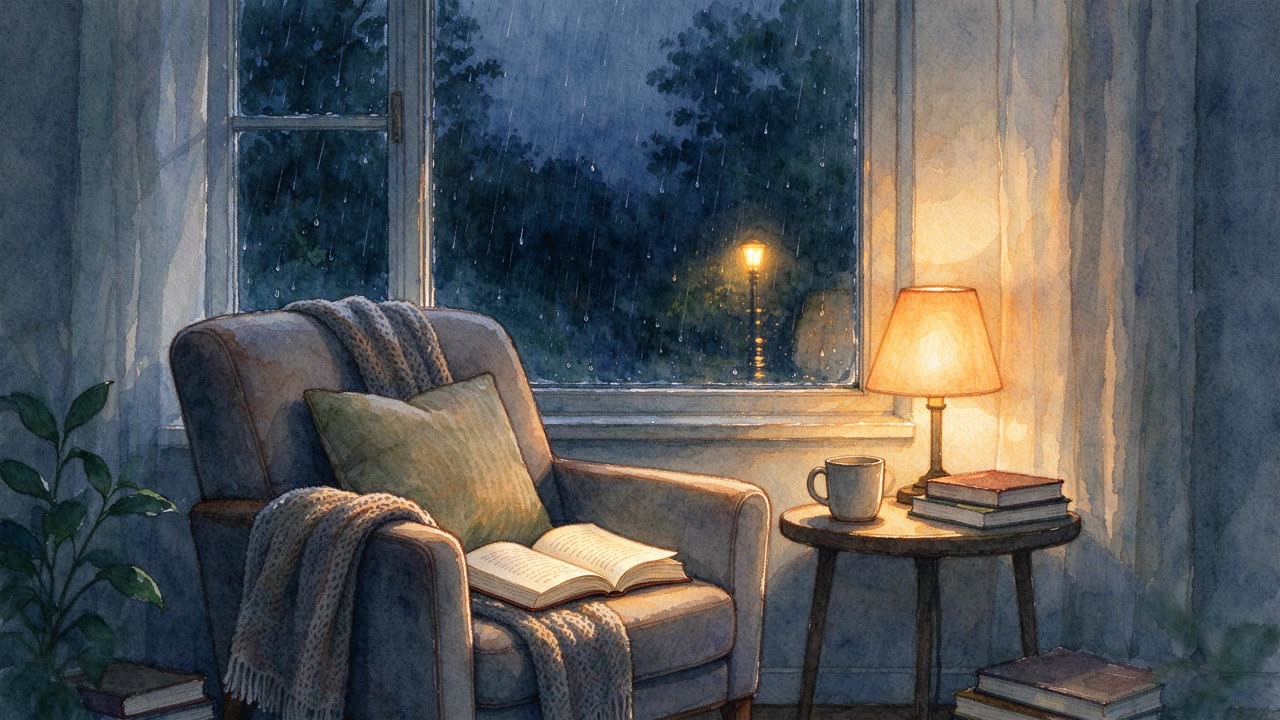
A cozy reading nook by a rainy window, warm lamp light, watercolor style
Seedream 5.0 Flash
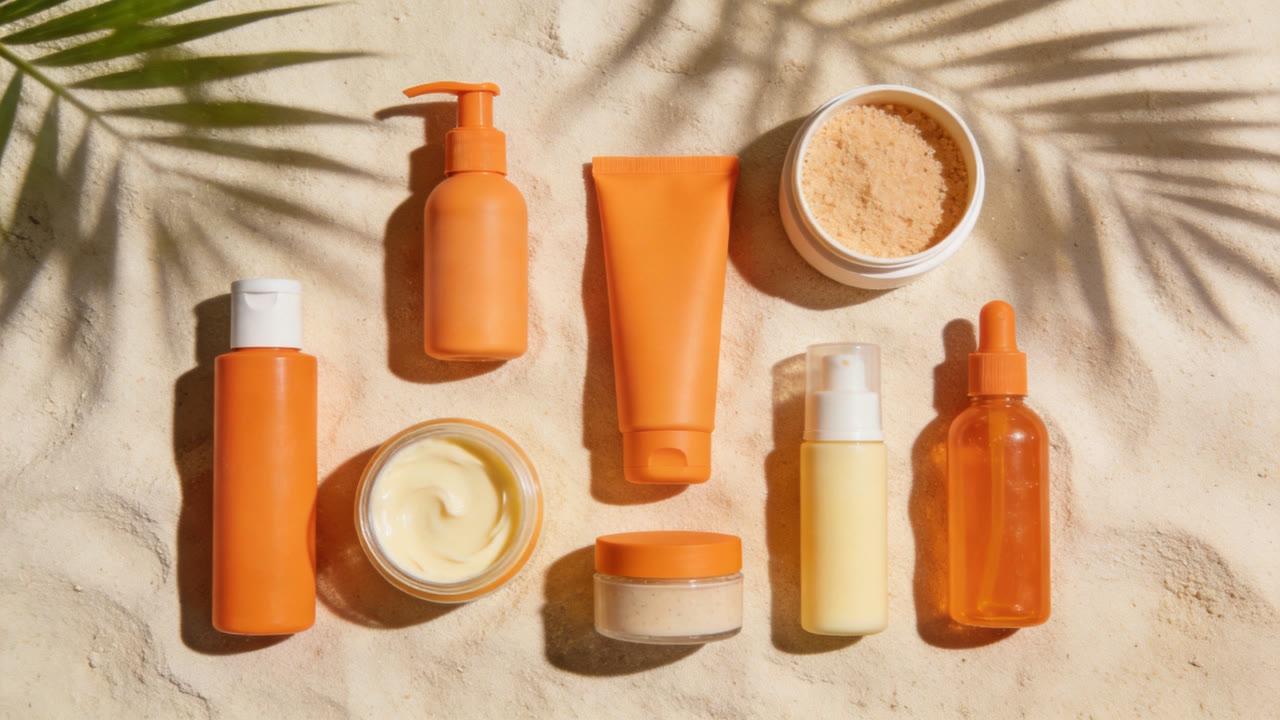
Flat lay of a summer skincare collection on pale sand with palm leaf shadows, orange and cream tones, clean editorial product photography, no text
Seedream 4.5
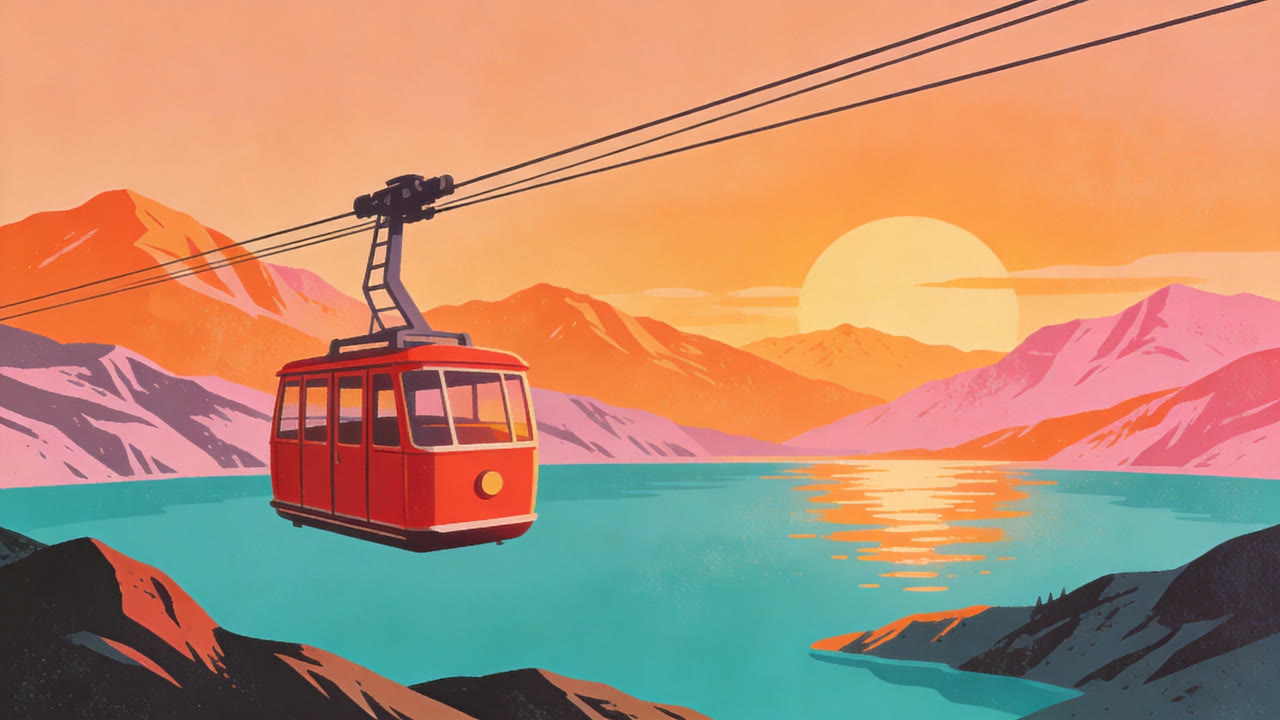
Retro travel illustration of a red cable car above a turquoise mountain lake, bold flat shapes, warm sunset palette, vintage poster style, no text
Seedream 4.5
How AI text to image works
A text to image generator turns a written description into a picture. Dola AI Video uses ByteDance's Seedream models, which handle realistic photos, illustrations and designed graphics.
Good prompts describe the subject, the setting, the lighting, the composition and the style. Mention the purpose too, such as 'product photo on a white background' or 'poster for a summer festival'.
Seedream 5.0 Pro gives the best quality, Seedream 5.0 Flash is the cheapest for drafts, and Seedream 5.0 Lite and 4.5 sit in between.
Why use our text to image tool
Four Seedream models
Pick the right balance of quality and cost for every image.
Photos and illustrations
Realistic shots, digital art, posters and flat design from the same tool.
Any aspect ratio
Square, portrait, landscape or wide, sized for where the image will go.
Clear pricing
The credits are shown before you generate, and failed generations are refunded.
Ready for video
Use any image as the first frame of a Seedance video.
Specs and credits
Credits depend on the options you pick. The exact amount is shown on the button before you generate.
| Model | Input modes | Quality | Aspect ratio |
|---|---|---|---|
| Seedream 5.0 Pro | Text · Reference | 1K · 7 credits per image2K · 14 credits per image | 1:1, 16:9, 9:16, 4:3, 3:4, 3:2, 2:3, 21:9 |
| Seedream 5.0 Lite | Text · Reference | 2K · 6 credits per image | 1:1, 16:9, 9:16, 4:3, 3:4, 3:2, 2:3, 21:9 |
| Seedream 5.0 Flash | Text · Reference | 1K · 4 credits per image1.5K · 4 credits per image2K · 4 credits per image | 1:1, 16:9, 9:16, 4:3, 3:4, 3:2, 2:3, 21:9 |
| Seedream 4.5 | Text · Reference | 2K · 7 credits per image | 1:1, 16:9, 9:16, 4:3, 3:4, 3:2, 2:3, 21:9 |
Seedream 5.0 Pro
- Input modes
- Text · Reference
- Quality
- 1K · 7 credits per image2K · 14 credits per image
- Aspect ratio
- 1:1, 16:9, 9:16, 4:3, 3:4, 3:2, 2:3, 21:9
Seedream 5.0 Lite
- Input modes
- Text · Reference
- Quality
- 2K · 6 credits per image
- Aspect ratio
- 1:1, 16:9, 9:16, 4:3, 3:4, 3:2, 2:3, 21:9
Seedream 5.0 Flash
- Input modes
- Text · Reference
- Quality
- 1K · 4 credits per image1.5K · 4 credits per image2K · 4 credits per image
- Aspect ratio
- 1:1, 16:9, 9:16, 4:3, 3:4, 3:2, 2:3, 21:9
Seedream 4.5
- Input modes
- Text · Reference
- Quality
- 2K · 7 credits per image
- Aspect ratio
- 1:1, 16:9, 9:16, 4:3, 3:4, 3:2, 2:3, 21:9
Seedance and Seedream are AI models developed by ByteDance. Dola AI Video is an independent platform that gives you access to them and is not affiliated with ByteDance.
How to create an image from text
- 1
Describe the image
Write the subject, setting, lighting and style in a sentence or two.
- 2
Choose a model and shape
Pick a Seedream model, the quality and the aspect ratio.
- 3
Generate and download
Your image is ready in moments. Download it without a watermark.
What you can create
Product and e-commerce photos
Clean packshots and lifestyle scenes without a photo studio.
Social media graphics
Posts, stories and thumbnails that stand out in a feed.
Concept art and mood boards
Characters, places and color ideas for creative projects.
First frames for video
Design the perfect opening shot, then animate it with image to video.
Frequently asked questions
How do I write a good text to image prompt?
Start with the subject, then add the setting, lighting, camera angle and style. For example: 'A ceramic coffee cup on a wooden table, morning window light, close-up, soft focus background, editorial photo.'
Which Seedream model should I choose?
Seedream 5.0 Pro for the best quality, 5.0 Lite for fast and affordable images, 5.0 Flash for the lowest cost, and 4.5 for steady all-round results.
What resolution are the images?
Each model offers its own quality options, listed in the table above together with the credits per image.
Can I edit an existing picture instead?
Yes. Switch to Reference and upload your image, or see our image to image page for editing tips.
Is there a free text to image option?
No. We do not offer free credits, but images use only a small number of credits and failed generations are refunded.
Can I use the images commercially?
We do not add a watermark, and you can use your images in commercial projects, subject to our Terms of Service and the terms of the model provider.
Explore more
Pay only for what you create
Credits never expire. Choose a monthly plan or a one-time credit pack.